

8 min read • 1,750 words
What Is GitHub and How Does It Work?
What Is GitHub? GitHub is a powerful web-based platform that leverages Git, a version control system, to facilitate collaboration among developers and teams. It enables multiple users to work on projects simultaneously, ensuring that changes can be made without conflicts. This is particularly important in today’s fast-paced development environment, where teamwork and efficiency are crucial for success. GitHub hosts millions of open-source projects and repositories, making it a vital resource for developers looking to contribute to existing projects or start new ones.
In this article, readers will learn about the core functionalities of GitHub, including forking repositories to create personal copies for modifications, as well as utilizing tools for issue tracking, project management, and continuous integration. Understanding GitHub is essential for anyone involved in software development, as it streamlines workflows and enhances collaboration across teams.
Key Features of GitHub
GitHub is a powerful platform that offers a variety of features to facilitate version control and collaboration among developers. One of the core components of GitHub is its repositories. A repository, or repo, is where all the files for a particular project are stored. This includes not only the source code but also documentation, images, and other resources. Repositories can be public, allowing anyone to view and contribute, or private, restricting access to selected users.
Another essential feature is branches. Branching allows developers to work on different versions of a project simultaneously. For example, a developer might create a branch to experiment with a new feature without affecting the main codebase. This enables teams to work in parallel, merging changes back into the main branch once they are tested and approved.
- Pull Requests: This feature allows developers to propose changes to a project. When a pull request is created, team members can review the code, discuss potential modifications, and approve the changes before merging them into the main branch.
- Issues: GitHub provides a robust issue tracking system that helps teams manage bugs and feature requests. Each issue can be assigned to team members, labeled for easy categorization, and prioritized based on urgency.
- GitHub Actions: This feature automates workflows, allowing developers to set up continuous integration and deployment pipelines. For instance, you can create a workflow that automatically runs tests every time code is pushed to the repository.
These features make GitHub an invaluable tool for developers, enhancing collaboration and streamlining project management.
How to Create a GitHub Account
Creating a GitHub account is a straightforward process that allows you to collaborate on projects, share code, and contribute to open-source software. Follow this step-by-step guide to get started.
First, navigate to the GitHub website. Click on the “Sign up” button located in the upper right corner of the homepage. You will be prompted to enter your email address. Choose an email that you frequently use, as it will be essential for account verification and communication.
After entering your email, you will need to create a password. Ensure your password is strong, combining letters, numbers, and special characters. Next, GitHub will ask you to choose between a free or paid plan. The free plan is sufficient for most users, allowing you to create public repositories and collaborate with others. However, if you require private repositories or advanced features, consider opting for a paid plan.
Once you have selected your plan, you will be guided through setting up your profile. You can add a username, which will be your identity on GitHub, and fill in other personal preferences such as your bio and profile picture. This step helps others in the community recognize you and understand your contributions.
Finally, verify your email address. GitHub will send a verification email to the address you provided. Click the link in the email to confirm your account. After verification, you can start exploring GitHub and its features.
Understanding Git and Version Control
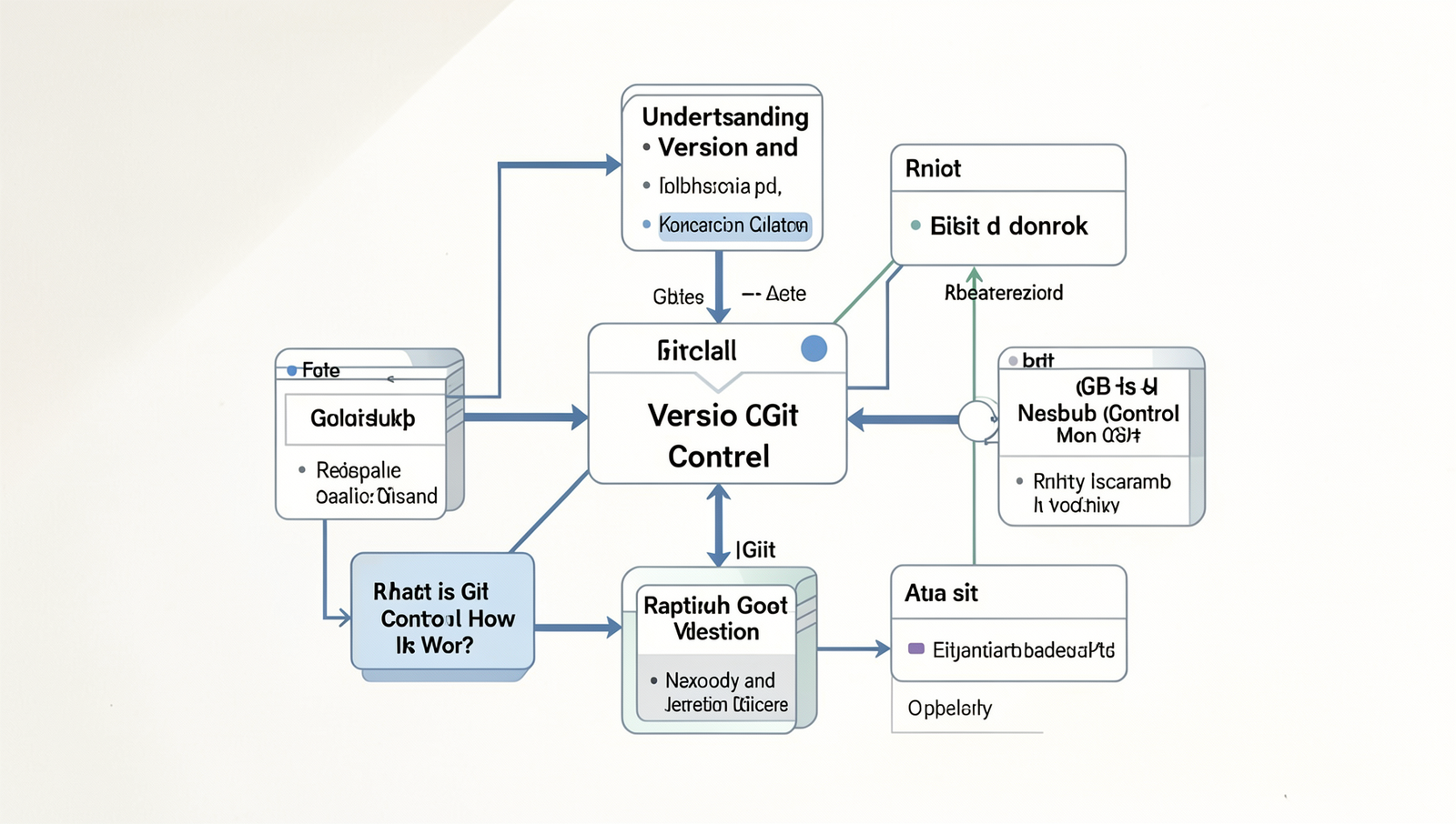
Git is a distributed version control system that allows multiple developers to work on a project simultaneously without overwriting each other’s changes. It tracks changes in files, enabling users to revert to previous versions if necessary. This is particularly useful in collaborative environments where multiple iterations of a project occur frequently.
One of the fundamental concepts of Git is the commit. A commit is a snapshot of the project at a specific point in time. Each commit is accompanied by a commit message, which serves as a brief description of the changes made. This practice is crucial for maintaining a clear project history and understanding the evolution of the codebase. For example, a commit might look like this:
git commit -m "Fixed bug in user authentication"Git tracks changes by creating a history of commits, allowing users to navigate through different versions of their project. This is achieved through a series of commands that facilitate the management of changes. Users can view the history of commits using:
git logAnother important distinction in Git is between local and remote repositories. A local repository resides on a developer’s machine, while a remote repository is hosted on a server, such as GitHub. Developers can push their changes to the remote repository using:
git push origin mainUnderstanding these concepts is essential for effective collaboration and version control in software development, making Git a vital tool in the modern development landscape.
Navigating the GitHub Interface
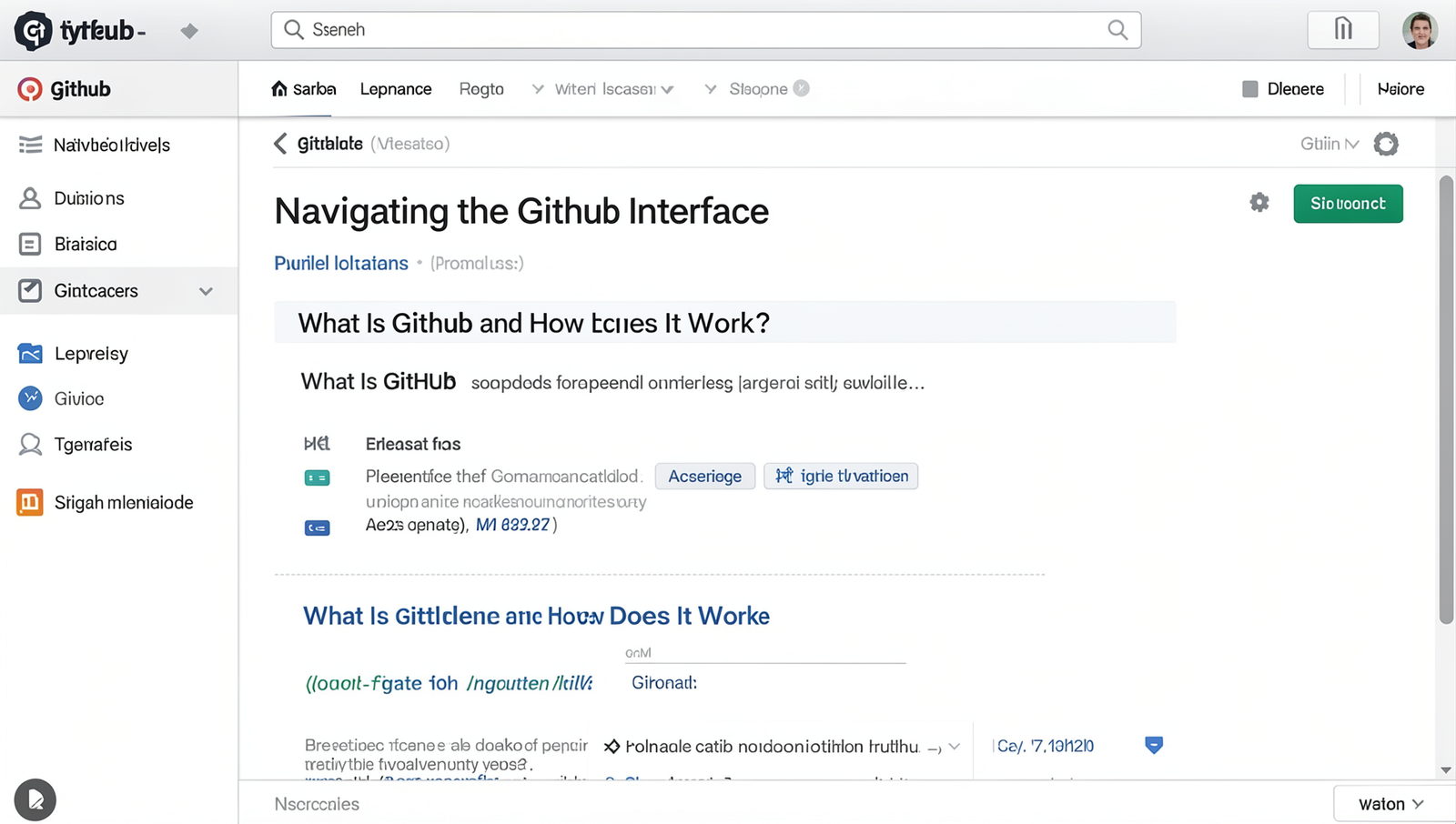
Understanding the GitHub interface is crucial for effectively managing your projects. The main dashboard serves as your command center, providing access to all your repositories and activities. Upon logging in, you’ll notice a navigation bar at the top, which includes links to your repositories, pull requests, issues, and more. This layout allows users to quickly switch between different sections of their projects.
Repositories are the core of GitHub, where all your project files and version history are stored. Within each repository, you can create branches to work on different features or fixes without affecting the main codebase. Commits are snapshots of your project at a given time, allowing you to track changes and revert to previous states if necessary. To create a commit, you can use the following command:
git commit -m "Your commit message here"Issues and pull requests are essential for collaboration. Issues allow team members to report bugs or suggest enhancements, while pull requests enable users to propose changes to the codebase. You can access issues by clicking on the “Issues” tab in your repository, and to create a pull request, navigate to the “Pull Requests” tab and click “New Pull Request.”
Lastly, GitHub’s search functionality is a powerful tool for finding repositories, issues, or code snippets. You can use the search bar at the top of the page and apply filters to narrow down your results. For example, to find repositories related to a specific topic, you can enter:
topic:your_topic_hereBy mastering these navigation tools, you can enhance your productivity and make the most of what GitHub has to offer.
Collaborating on GitHub
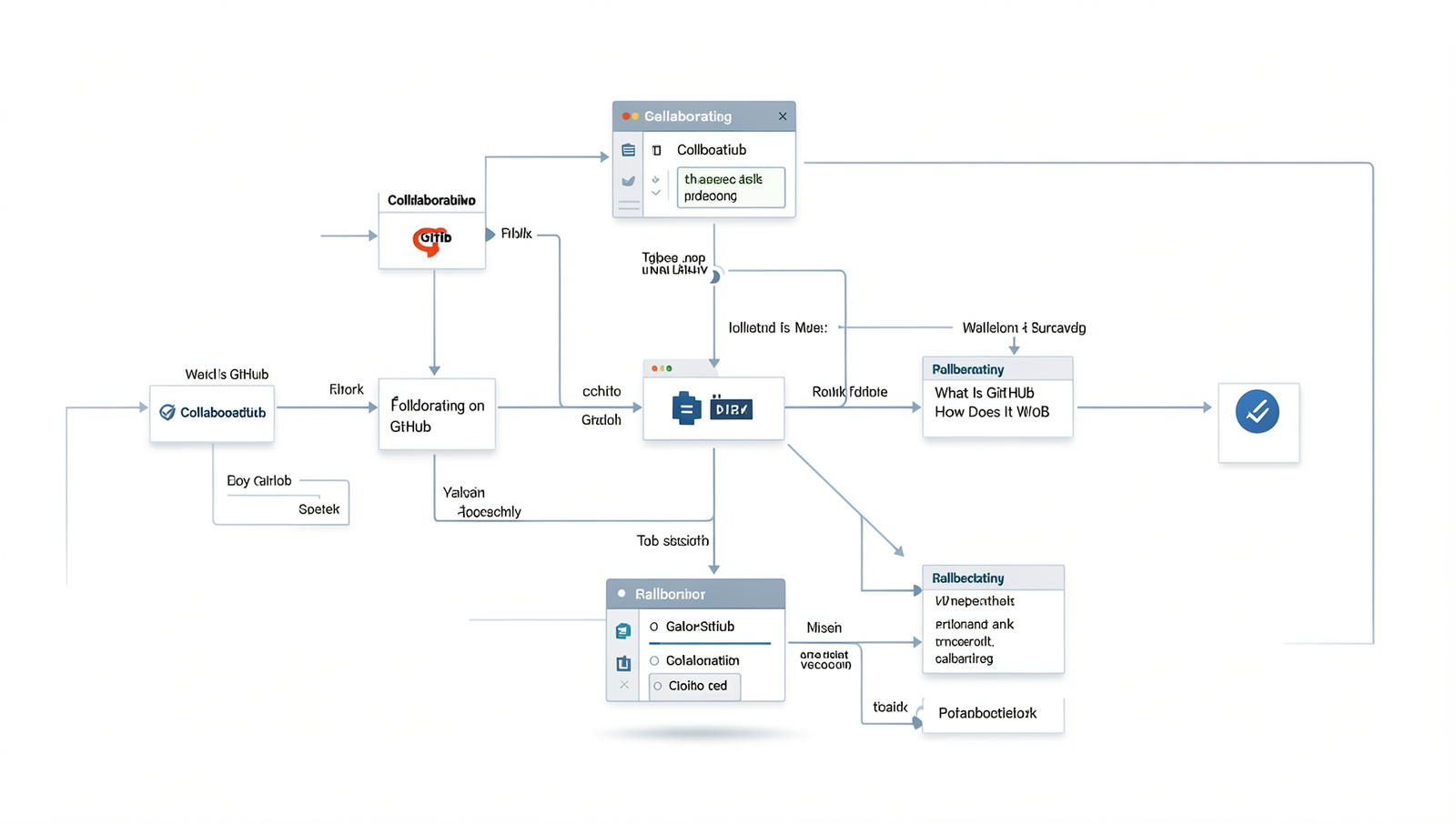
Collaborating on GitHub is a fundamental aspect of the platform, enabling developers to work together efficiently on projects. To begin collaborating, you first need to clone a repository to your local machine. This can be done using the following command:
git clone https://github.com/username/repository.gitOnce you have the repository cloned, you can make changes to the code. After making your modifications, it’s essential to commit those changes to your local repository. You can do this by staging the changes and then committing them with a descriptive message:
git add .git commit -m "Descriptive message about the changes"After committing your changes, the next step is to push them to the remote repository. This is done using:
git push origin branch-nameCreating and reviewing pull requests is a crucial part of the collaboration process. A pull request allows you to propose changes and request that someone reviews them before merging into the main branch. To create a pull request, navigate to the repository on GitHub, click on the “Pull requests” tab, and then select “New pull request.” You can then compare changes and submit the request.
Best practices for collaboration and communication on GitHub include:
- Writing clear commit messages.
- Regularly pulling updates from the main branch to avoid conflicts.
- Engaging in discussions on pull requests to clarify changes.
- Using issues to track bugs and feature requests.
By following these practices, teams can enhance their collaborative efforts and streamline their development workflow on GitHub.
Conclusion
In summary, GitHub is a powerful platform that facilitates version control and collaboration among developers. By utilizing Git, it allows users to track changes in their code, manage projects efficiently, and collaborate with others seamlessly. The platform’s features, such as pull requests, issues, and project boards, enhance productivity and streamline workflows. Understanding what GitHub is and how it works can significantly improve a developer’s ability to contribute to projects, whether they are open-source or private.
As you explore GitHub further, consider creating your own repositories to practice and apply what you’ve learned. Engaging with the community through contributions to existing projects can also provide invaluable experience. With its vast resources and supportive environment, GitHub is an essential tool for anyone looking to enhance their coding skills and collaborate effectively in the tech industry.
Frequently Asked Questions
What is GitHub?
GitHub is a web-based platform that uses Git for version control, allowing developers to collaborate on projects. It provides tools for code hosting, project management, and issue tracking, making it easier for teams to work together efficiently and effectively.
How does GitHub work?
GitHub operates by allowing users to create repositories where they can store and manage their code. Users can clone repositories, make changes, and push updates. The platform tracks changes, enabling collaboration and version control among multiple contributors seamlessly.
What are repositories in GitHub?
Repositories, or repos, are storage spaces on GitHub where projects are kept. Each repository contains all the project files and the revision history. Users can create public or private repositories depending on their collaboration needs and project visibility preferences.
What is a pull request?
A pull request is a method of submitting contributions to a project on GitHub. When a developer wants to merge changes from one branch to another, they create a pull request, allowing team members to review, discuss, and approve the changes before integration.