

9 min read • 2,024 words
What Is Docker and Why Do Developers Use It?
In the ever-evolving landscape of software development, understanding What Is Docker and Why Do Developers Use It? is crucial for modern developers. Docker is a powerful platform that enables developers to create, ship, and run applications within containers. These containers encapsulate everything an application needs to function, including its code, libraries, and dependencies, ensuring consistent performance across various environments. This consistency is vital as it reduces the “it works on my machine” problem, allowing developers to focus on building robust applications.
Moreover, Docker enhances security and resource management by isolating applications from one another. This isolation not only protects applications but also optimizes resource usage. With Docker, the deployment process becomes significantly simpler, paving the way for continuous integration and continuous deployment (CI/CD) practices. The extensive Docker ecosystem and active community support provide developers with a wealth of tools and resources, making it an indispensable asset in today’s development workflows.
How Docker Works
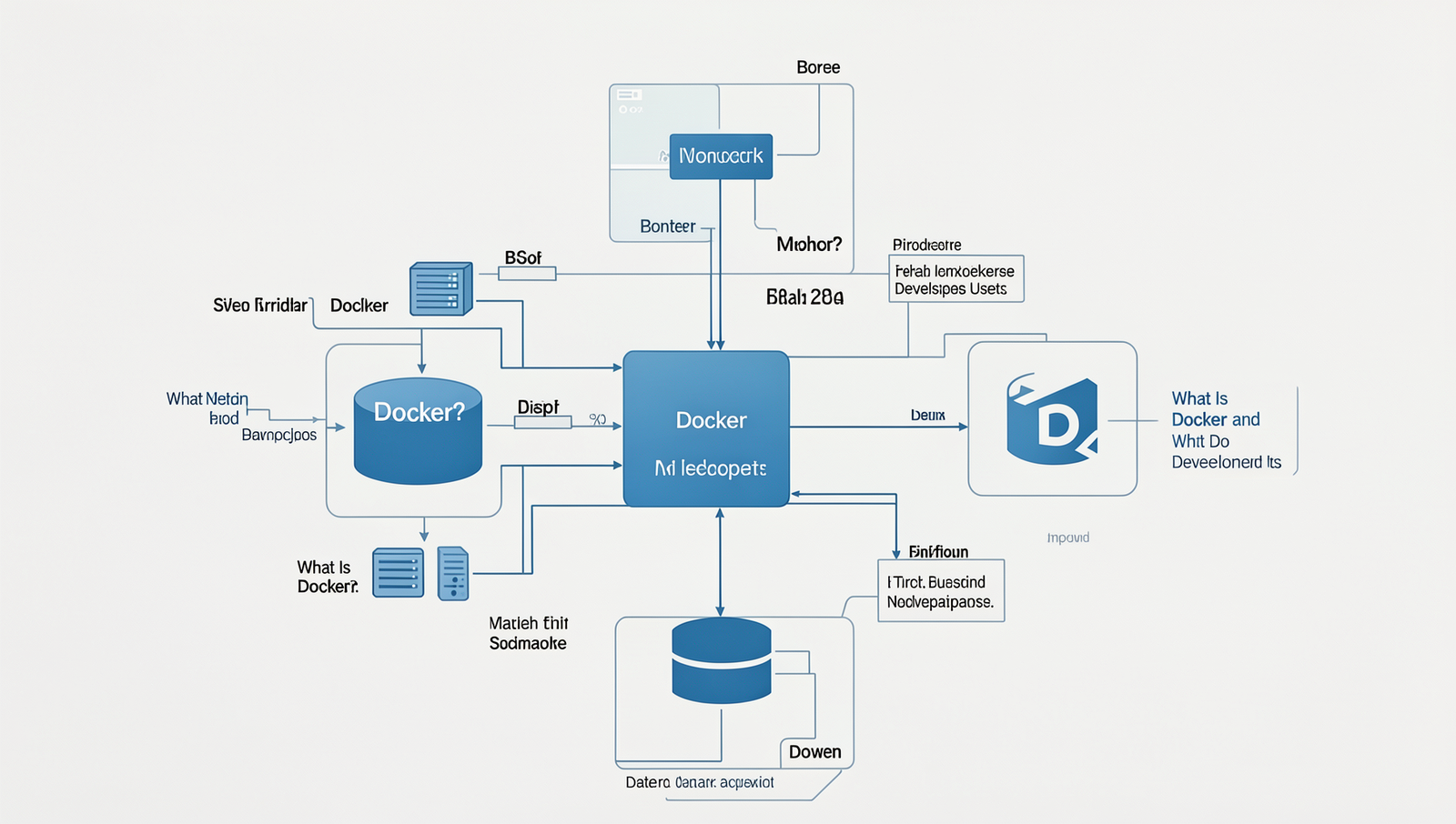
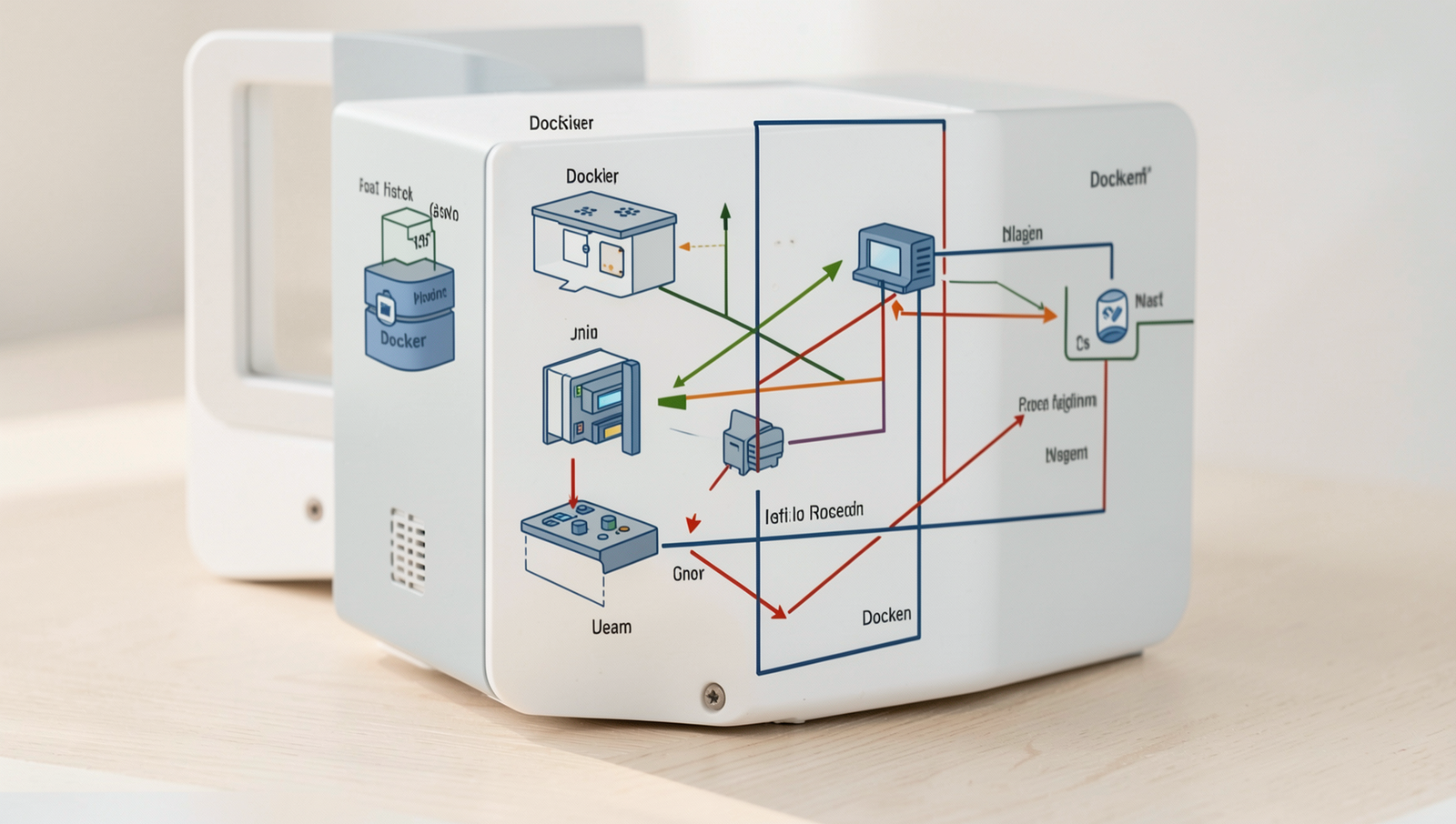
Docker is a platform that enables developers to automate the deployment of applications inside lightweight, portable containers. At the heart of Docker are images and containers. A Docker image is a read-only template that contains the necessary code, libraries, and dependencies required to run an application. In contrast, a Docker container is a running instance of an image, which can be started, stopped, and managed independently. This separation allows developers to create consistent environments across different stages of development.
The Docker Daemon is a server-side program that manages Docker containers and images. It listens for API requests and handles the creation, management, and orchestration of containers. Developers interact with the Docker Daemon using the Docker Command Line Interface (CLI), which provides commands to build, run, and manage containers. For example, to run a container from an image, a developer would use the command:
docker run Another essential component of Docker is Docker Hub, a cloud-based registry that allows developers to share and distribute Docker images. By pushing images to Docker Hub, developers can collaborate more effectively and ensure that their applications run consistently across different environments.
To create a Docker image, developers write a Dockerfile, which is a text file containing instructions on how to build the image. The syntax of a Dockerfile includes commands like FROM, RUN, and COPY. For instance:
FROM ubuntu:latest
RUN apt-get update && apt-get install -y python3
COPY . /app
This simple Dockerfile starts with an Ubuntu base image, installs Python, and copies application files into the container. Understanding these components is crucial for developers looking to leverage Docker effectively.
Benefits of Using Docker
Docker offers numerous advantages that make it a preferred choice among developers. One of the most significant benefits is its portability across different environments. With Docker, developers can create applications in containers that can run consistently on any system that supports Docker. This means that whether you are developing on a local machine, deploying to a staging server, or pushing to production, the application behaves the same way. This eliminates the common “it works on my machine” problem.
Another key benefit is the isolation of applications and their dependencies. Docker containers encapsulate everything an application needs to run, including libraries, binaries, and configuration files. This isolation ensures that applications do not interfere with each other, allowing multiple applications to run on the same host without conflicts. For example, a developer can run different versions of a database for different applications simultaneously without any issues.
Efficient resource utilization is also a major advantage of using Docker. Containers share the host system’s kernel and resources, which allows them to start quickly and use less memory compared to traditional virtual machines. This efficiency leads to lower overhead and better performance, making it possible to run more applications on the same hardware.
Finally, Docker simplifies deployment and scaling processes. With Docker, developers can use simple commands to deploy applications and scale them up or down as needed. For instance, to deploy a new version of an application, a developer can use the following command:
docker run -d myapp:latestThis command quickly spins up a new container with the latest version of the application, making updates seamless and efficient.

Common Use Cases for Docker
Docker has become an essential tool for developers, particularly due to its versatility in various scenarios. One of the most prominent use cases is the implementation of microservices architecture. By using Docker, developers can create, deploy, and manage microservices in isolated containers, allowing for better scalability and easier maintenance. Each microservice can run in its own container, ensuring that dependencies do not conflict with one another.
Another significant application of Docker is in the realm of Continuous Integration and Continuous Deployment (CI/CD). With Docker, developers can automate the deployment process, ensuring that applications are consistently built, tested, and deployed across different environments. This automation reduces the risk of errors and streamlines the development workflow. For instance, a typical CI/CD pipeline might include the following commands:
docker build -t myapp:latest .
docker run -d -p 80:80 myapp:latest
Setting up development environments is also simplified with Docker. Developers can create reproducible environments that mirror production setups, eliminating the “it works on my machine” problem. This is particularly useful when working in teams, as everyone can use the same configuration. A sample command to set up a development environment might look like:
docker-compose upLastly, Docker excels in testing and debugging applications. Developers can run tests in isolated containers, ensuring that the testing environment is consistent and free from external influences. This capability allows for faster identification of issues and smoother debugging processes.
Challenges and Limitations of Docker
While Docker offers numerous benefits for developers, it is essential to recognize the challenges and limitations that come with containerization. Understanding these issues can help teams make informed decisions about their development and deployment strategies.
One significant concern is security. Containers share the host operating system’s kernel, which can lead to vulnerabilities if not managed properly. For instance, if a malicious actor gains access to a container, they may exploit this shared kernel to compromise the entire system. Developers must implement robust security practices, such as using docker run --cap-drop to minimize container privileges and regularly updating images to patch known vulnerabilities.
Another challenge is performance overhead. Although containers are lightweight compared to virtual machines, they still incur some performance costs. This overhead can be particularly noticeable in resource-intensive applications. For example, a data processing application running directly on bare metal may perform better than the same application running in a Docker container due to the additional abstraction layer.
Complexity in orchestration and management is also a hurdle. As applications grow, managing multiple containers can become cumbersome. Tools like Kubernetes can help, but they introduce their own complexity. Developers must invest time in learning these orchestration tools to effectively manage containerized applications.
Lastly, there is a learning curve for new users. Understanding Docker’s architecture, commands, and best practices can be daunting for beginners. Resources such as official documentation and community forums are invaluable for overcoming this initial barrier.
Getting Started with Docker
To begin your journey with Docker, the first step is to install it on your operating system. Docker provides installation packages for various platforms, including Windows, macOS, and Linux. For Windows and macOS, you can download Docker Desktop from the official Docker website. For Linux users, you can install Docker using your package manager. For example, on Ubuntu, you would use the following commands:
sudo apt update
sudo apt install docker.io
Once Docker is installed, you can verify the installation by running:
docker --versionAfter installation, it’s essential to familiarize yourself with some basic Docker commands. Here are a few commands that every beginner should know:
docker pull [image-name]– This command downloads a Docker image from the Docker Hub.docker run [image-name]– This command creates and starts a container from the specified image.docker ps– This command lists all running containers.docker stop [container-id]– This command stops a running container.
To create and run your first container, you can use the following command:
docker run hello-worldThis command will pull the “hello-world” image and run it, providing a simple introduction to Docker. For further learning, the official Docker documentation is an excellent resource, along with community forums and tutorials available online.
Conclusion
In summary, Docker is a powerful platform that enables developers to create, deploy, and manage applications within containers. This technology simplifies the development process by ensuring that applications run consistently across different environments. The key benefits of using Docker include improved efficiency, scalability, and resource utilization. By encapsulating applications and their dependencies in containers, developers can avoid the common “it works on my machine” problem, leading to smoother collaboration and faster deployment cycles.
As organizations increasingly adopt microservices architecture and cloud-native solutions, understanding “What Is Docker and Why Do Developers Use It?” becomes essential for modern software development. Developers looking to leverage Docker should start by exploring its documentation and experimenting with containerization in their projects. Embracing Docker not only enhances productivity but also positions developers to meet the evolving demands of the tech landscape effectively.
Real-World Examples
Docker has transformed the way developers build, ship, and run applications. Its containerization technology allows for consistent environments across different stages of development, testing, and production. Here are some real-world examples of how organizations leverage Docker to enhance their workflows and improve efficiency.
One prominent example is Spotify, the music streaming service. Spotify uses Docker to manage its microservices architecture. By containerizing its services, Spotify can scale individual components independently, ensuring that updates or changes to one service do not disrupt others. This flexibility allows Spotify to deploy new features rapidly and maintain high availability for its users.
Another notable case is eBay, which employs Docker to streamline its development processes. eBay’s engineering teams utilize Docker to create isolated environments for testing and development. This approach minimizes the “it works on my machine” problem, as developers can replicate the production environment on their local machines. By using Docker, eBay has significantly reduced the time taken to onboard new developers and deploy applications.
Additionally, companies like PayPal have adopted Docker for its ability to facilitate continuous integration and continuous deployment (CI/CD) pipelines. By integrating Docker into their CI/CD processes, PayPal can automate testing and deployment, leading to faster release cycles. This automation not only enhances productivity but also improves the overall quality of the applications being developed.
These examples illustrate that Docker is not just a theoretical tool; it is actively used by leading companies to solve real-world challenges. By adopting Docker, organizations can achieve greater agility, consistency, and reliability in their software development processes.
Frequently Asked Questions
What is Docker?
Docker is an open-source platform that automates the deployment, scaling, and management of applications within lightweight containers. These containers package an application and its dependencies, ensuring consistent environments across development, testing, and production stages, simplifying the software delivery process.
Why do developers use Docker?
Developers use Docker to streamline application development and deployment. It allows them to create isolated environments that replicate production settings, reducing conflicts between dependencies. This consistency enhances collaboration among team members and accelerates the development lifecycle, making it easier to build and deploy applications.
What are the benefits of using Docker?
Using Docker offers numerous benefits, including improved resource utilization, faster deployment times, and simplified scaling. It enhances portability, enabling applications to run seamlessly across different environments. Additionally, Docker’s version control for containers allows for easy rollbacks and updates, increasing overall efficiency.
How does Docker differ from virtual machines?
Docker differs from virtual machines in that it uses containerization rather than virtualization. Containers share the host operating system kernel, making them lightweight and faster to start. In contrast, virtual machines run full operating systems, requiring more resources and longer boot times, which can hinder performance.