


11 min read • 2,256 words
Best Programming Tools for Web Developers
In the ever-evolving landscape of web development, having the right tools at your disposal is crucial for success. The best programming tools for web developers not only streamline the coding process but also enhance collaboration, debugging, and design efforts. This article will explore some of the most essential tools that every web developer should consider integrating into their workflow. From code editors to design applications, these tools can significantly improve productivity and efficiency.
Readers will learn about popular tools like Visual Studio Code, which is favored for its extensive features and user-friendly interface. We will also discuss Chrome DevTools, a powerful suite for debugging and performance analysis directly in the browser. Additionally, we will cover Git for version control, Postman for API testing, and Figma for design collaboration. By the end of this article, you will have a comprehensive understanding of the best programming tools available and how they can elevate your web development projects.
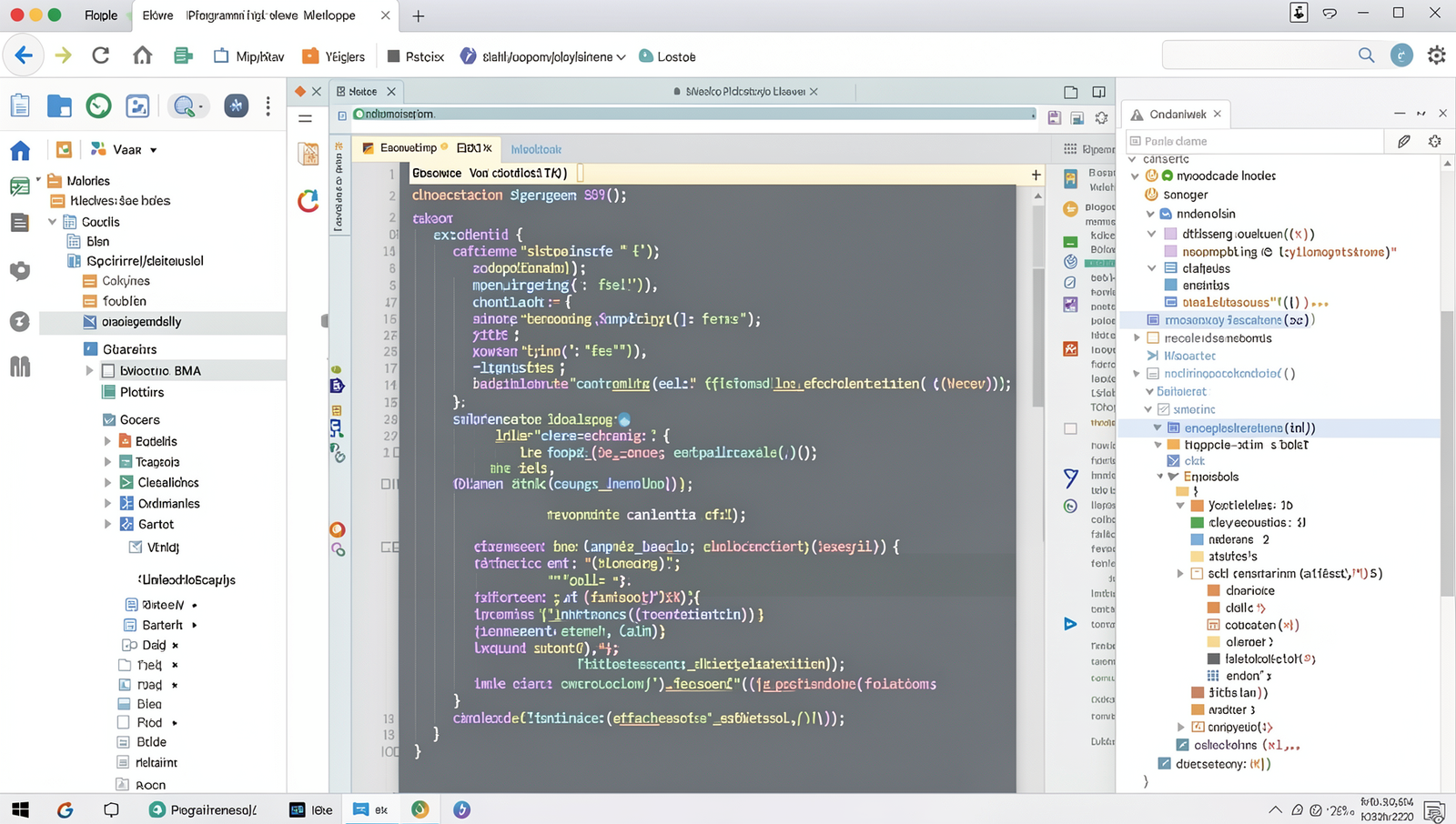
Top Code Editors and IDEs
When it comes to the best programming tools for web developers, having the right code editor or integrated development environment (IDE) is crucial. These tools not only enhance productivity but also streamline the coding process. Here are some of the top choices available today:
- Visual Studio Code: This code editor is highly customizable, allowing developers to enhance its functionality with a plethora of extensions. Its integrated terminal makes it easy to run commands without leaving the editor, which is a significant time-saver. For example, you can easily install extensions like Prettier for code formatting or Live Server for real-time previewing of web applications.
- Sublime Text: Known for its fast performance, Sublime Text offers a distraction-free interface that helps developers focus on their code. Its “Goto Anything” feature allows for quick navigation between files and functions, making it ideal for large projects. Developers often appreciate its split editing capabilities, which enable them to work on multiple files simultaneously.
- Atom: As an open-source editor, Atom is highly hackable, allowing developers to customize it to fit their specific needs. With a built-in package manager, users can easily add new features and themes. Atom’s collaborative editing feature, Teletype, allows multiple developers to work on the same project in real-time, enhancing teamwork.
- WebStorm: This powerful IDE is specifically designed for JavaScript development. It offers advanced features such as code completion, refactoring, and debugging tools, making it a favorite among professional developers. WebStorm also integrates seamlessly with popular frameworks like React and Angular, providing a robust environment for building modern web applications.
Choosing the right code editor or IDE can significantly impact your development workflow. Each of these tools has its unique strengths, catering to different preferences and project requirements.
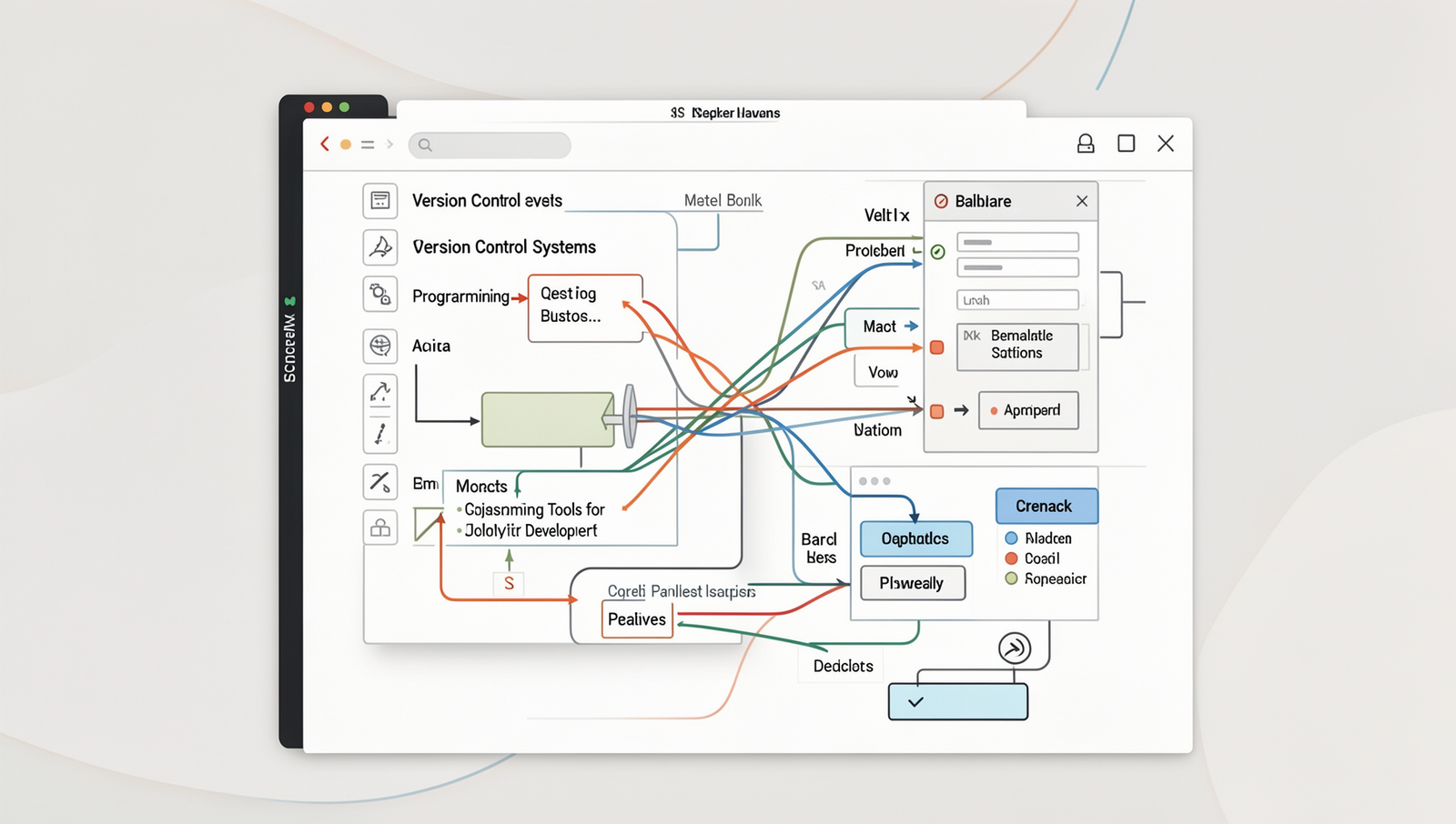
Version Control Systems
Version control systems (VCS) are essential tools for web developers, enabling them to track changes in their code, collaborate with others, and manage different versions of their projects. Among the best programming tools for web developers, several VCS stand out for their features and usability.
Git is arguably the most popular version control system in use today. It allows developers to keep track of changes made to their codebase, making it easy to revert to previous versions if necessary. Git’s branching and merging capabilities facilitate collaboration among multiple developers, allowing them to work on different features simultaneously without interfering with each other’s work.
To start using Git, developers can initialize a repository with the following command:
git initGitHub is a widely-used platform for hosting Git repositories. It not only provides a place to store code but also fosters a community through social coding features. Developers can share their projects, contribute to others’ work, and utilize GitHub’s issue tracking and project management tools. A simple command to clone a repository from GitHub is:
git clone https://github.com/username/repository.gitGitLab offers an integrated CI/CD platform along with Git repository management. This allows developers to automate testing and deployment, streamlining the development process. GitLab’s features make it an excellent choice for teams looking to enhance their workflow.
Bitbucket supports both Git and Mercurial repositories, making it versatile for teams that may use different version control systems. It also integrates well with other Atlassian products, such as Jira, facilitating project management and tracking.
In summary, utilizing these version control systems can significantly enhance the efficiency and collaboration of web development teams, making them indispensable tools in the modern development landscape.
Front-End Frameworks and Libraries
When it comes to the best programming tools for web developers, front-end frameworks and libraries play a crucial role in creating dynamic and responsive user interfaces. Among the most popular options are React, Vue.js, and Angular, each offering unique features and capabilities.
React is a powerful library developed by Facebook for building user interfaces. Its component-based architecture allows developers to create reusable UI components, making it easier to manage and scale applications. React’s virtual DOM enhances performance by minimizing direct interactions with the actual DOM, leading to faster updates and rendering. A practical example of React’s utility is in building complex applications like Facebook or Instagram, where user interactions are frequent and require a seamless experience.
Vue.js is a progressive framework that is particularly well-suited for building UIs and single-page applications. Its design focuses on the view layer, making it easy to integrate with other projects and libraries. Vue.js is known for its simplicity and flexibility, allowing developers to adopt it incrementally. For instance, a developer can start by using Vue.js for a small part of their application and gradually expand its use as needed.
Angular is a comprehensive platform for building mobile and desktop web applications. Developed by Google, Angular provides a robust framework that includes everything from data binding to dependency injection. This makes it ideal for large-scale applications that require a structured approach. A notable example of Angular in action is Google Cloud Console, which showcases its ability to manage complex data and user interactions effectively.
- React: Component-based architecture, reusable components.
- Vue.js: Progressive framework, easy integration.
- Angular: Comprehensive platform, ideal for large applications.
Choosing the right framework or library is essential for web developers aiming to create efficient and maintainable applications. Each of these tools has its strengths, making them valuable assets in the web development toolkit.
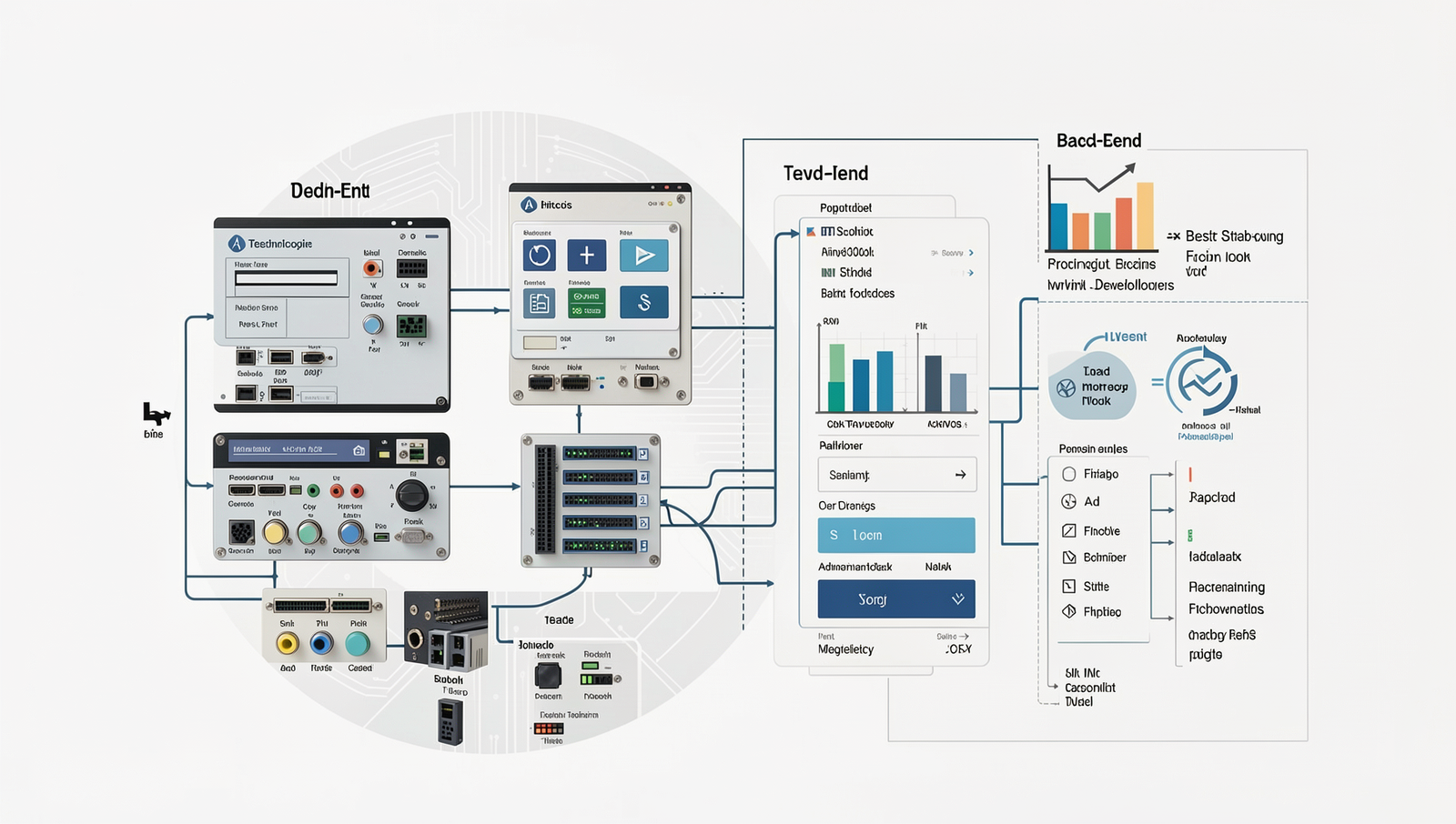
Back-End Technologies
When it comes to the best programming tools for web developers, back-end technologies play a crucial role in building robust and scalable applications. Here are some of the most popular back-end technologies that developers rely on today.
- Node.js: This JavaScript runtime environment allows developers to build scalable network applications efficiently. With its non-blocking I/O model, Node.js is particularly well-suited for data-intensive real-time applications. For instance, using Node.js, a developer can create a chat application that handles multiple connections seamlessly.
- Django: A high-level Python web framework, Django is designed for rapid development and clean, pragmatic design. It encourages the use of reusable code and follows the DRY (Don’t Repeat Yourself) principle. Developers can quickly set up a web application with features like user authentication and database management. For example, a blog application can be built in a matter of hours using Django’s built-in tools.
- Ruby on Rails: This web application framework emphasizes convention over configuration, making it easier for developers to get started. Rails provides a set of conventions that allow developers to focus on writing code rather than setting up the environment. A typical use case would be developing an e-commerce platform where developers can quickly implement features like product listings and shopping carts.
Each of these technologies offers unique advantages, making them some of the best programming tools for web developers. Choosing the right back-end technology depends on the specific needs of the project and the developer’s familiarity with the language and framework.
Database Management Systems
When it comes to the best programming tools for web developers, choosing the right database management system (DBMS) is crucial. A DBMS allows developers to efficiently store, retrieve, and manage data. Here are some of the most popular options available today:
- MySQL: MySQL is a widely used relational database management system known for its reliability and ease of use. It supports a variety of platforms and is particularly favored for web applications. Developers can execute commands like:
CREATE DATABASE my_database;CREATE TABLE users (id INT AUTO_INCREMENT PRIMARY KEY, name VARCHAR(100), email VARCHAR(100));- MongoDB: As a NoSQL database, MongoDB is designed to handle unstructured data, making it ideal for applications that require flexibility in data storage. It uses a document-oriented approach, allowing developers to work with JSON-like structures. A common command to create a collection is:
db.createCollection("products");- PostgreSQL: This advanced, open-source relational database is known for its strong compliance with SQL standards and support for complex queries. PostgreSQL is suitable for applications that require robust data integrity and advanced features. An example command to create a table is:
CREATE TABLE orders (order_id SERIAL PRIMARY KEY, user_id INT, amount DECIMAL(10, 2));- SQLite: SQLite is a lightweight, serverless database that is perfect for smaller applications or for use during development. Its simplicity and ease of integration make it a favorite among developers. To create a new database, you can use:
sqlite3 my_database.db;Each of these database management systems offers unique features and benefits, making them essential tools for web developers looking to build efficient and scalable applications.
Development and Deployment Tools
When it comes to the best programming tools for web developers, having the right development and deployment tools can significantly enhance productivity and streamline workflows. Here are some essential tools that every web developer should consider integrating into their toolkit.
- Docker: Docker is a powerful containerization platform that allows developers to create, deploy, and run applications in isolated environments. This ensures consistency across different stages of development and deployment, making it easier to manage dependencies and configurations. For instance, a developer can create a Dockerfile to define the environment for a web application, ensuring that it runs the same way on any machine.
- Webpack: Webpack is a module bundler primarily used for JavaScript applications. It takes modules with dependencies and generates static assets representing those modules. By using Webpack, developers can optimize their applications by splitting code into smaller chunks, which can be loaded on demand. A simple configuration file can set up Webpack to handle various file types and optimize the build process.
- Jenkins: Jenkins is an automation server that supports continuous integration and continuous delivery (CI/CD). It allows developers to automate the testing and deployment of their applications, ensuring that code changes are integrated smoothly and efficiently. A typical Jenkins pipeline can be set up using a
Jenkinsfileto define the stages of the build process, from testing to deployment.
- Netlify: Netlify is a platform that simplifies the deployment of web applications. It offers features like continuous deployment from Git repositories, serverless functions, and instant rollbacks. Developers can easily deploy their static sites or single-page applications with just a few clicks, making it an ideal choice for modern web development.
By utilizing these tools, web developers can enhance their workflow, ensuring that they are working efficiently and effectively while delivering high-quality applications.
Conclusion
In conclusion, selecting the best programming tools for web developers is crucial for enhancing productivity and streamlining the development process. The tools discussed, including code editors, version control systems, and frameworks, not only simplify coding tasks but also foster collaboration among team members. By leveraging these tools, developers can reduce errors, improve code quality, and accelerate project timelines, ultimately leading to a more efficient workflow. Each tool offers unique features tailored to different aspects of web development, making it essential for developers to choose the ones that align with their specific needs and project requirements.
As web development continues to evolve, staying updated with the latest programming tools is vital for maintaining a competitive edge. Developers should regularly explore new tools and technologies that can enhance their skill set and improve their projects. By investing time in learning and integrating the best programming tools for web developers into their workflow, developers can ensure they are equipped to tackle modern challenges and deliver high-quality web applications that meet user expectations. Embrace these tools and watch your development process transform.
Frequently Asked Questions
What are the best code editors for web development?
The best code editors for web development include Visual Studio Code, Sublime Text, and Atom. Visual Studio Code is particularly popular due to its extensive extensions and integrated terminal. Sublime Text is known for its speed and simplicity, while Atom offers a customizable interface, making it suitable for various coding preferences.
Which version control systems should I use?
Git is the most widely used version control system for web development, allowing for efficient collaboration and version tracking. Platforms like GitHub and GitLab enhance Git’s functionality by providing hosting services and additional features such as issue tracking and project management, making them essential tools for developers.
What are essential browser developer tools?
Essential browser developer tools include Chrome DevTools, Firefox Developer Edition, and Safari Web Inspector. These tools allow developers to inspect HTML and CSS, debug JavaScript, and analyze performance. They provide valuable insights into how web pages are rendered and help in optimizing user experience and fixing issues effectively.
What frameworks are best for web development?
Popular frameworks for web development include React, Angular, and Vue.js.